
How to Receive SMS Online Without Your Personal Phone Number
Receive SMS online with a temporary number on Instant SMS: pick an inbox, paste the number, refresh for the OTP, and know when public numbers fail.
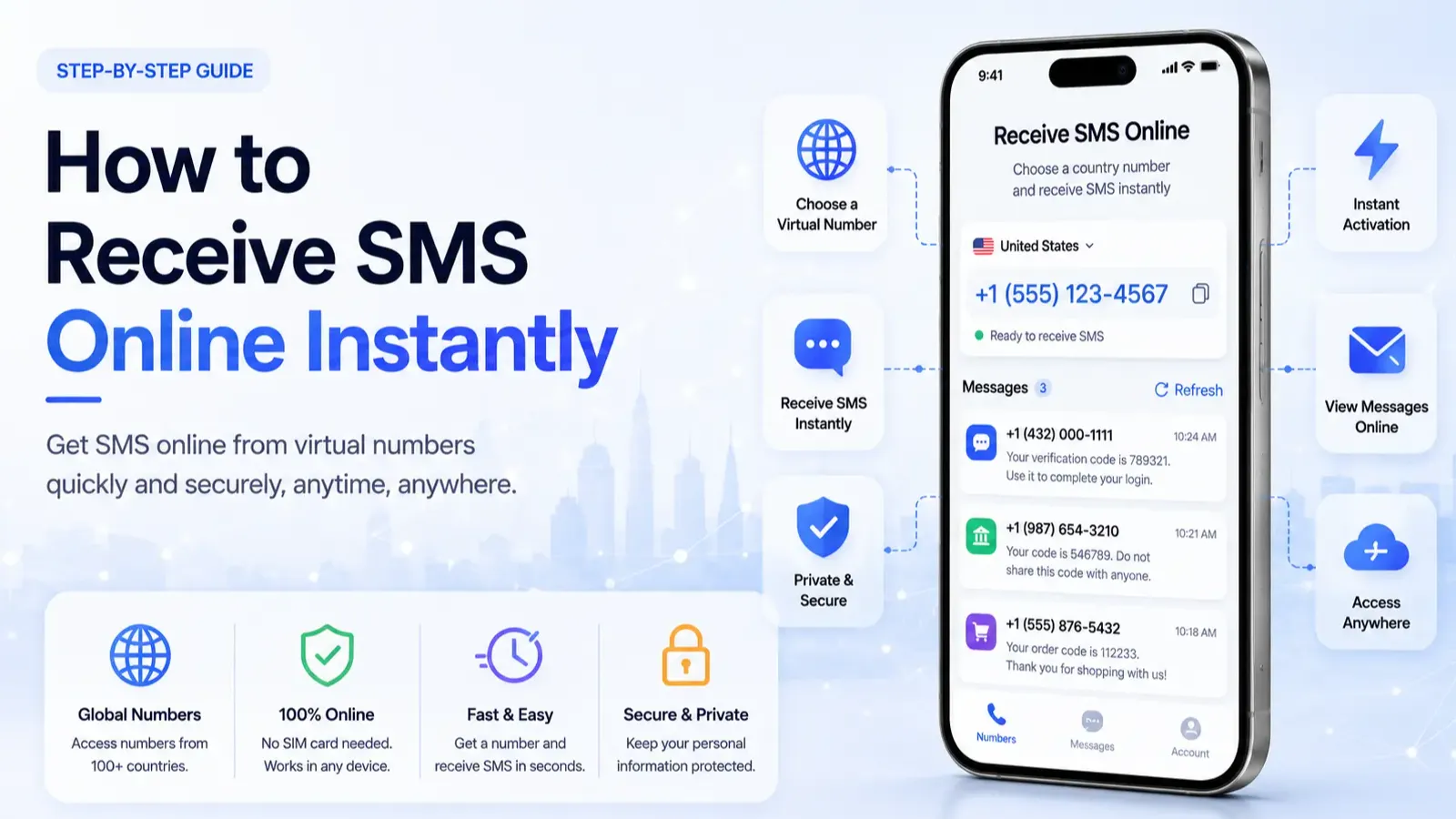
To receive SMS online, open a public temporary number inbox, paste that number into the app or site that wants a code, then refresh the inbox until the OTP appears. No SIM card and no personal number required.
On Instant SMS, numbers are free, shared, and public. That works well for low-stakes signups and SMS delivery tests. It is a poor fit for banking, account recovery, or apps that reject VoIP and burner-like ranges.
This guide is the Instant SMS how-to: exact steps, who should use a public inbox, when it fails, and what to do next.
Quick steps to receive SMS online
Open Instant SMS numbers and pick a country you need (US, UK, and other Tier-1 options when available).
Copy the full number in international E.164 format, including the country code.
Paste it into the service phone verification field and request the code.
Return to that same number inbox on Instant SMS and refresh until the message appears.
Enter the code before it expires. If it never lands, try one fresher number. Do not spam resend.
How long does an online SMS usually take?
Often under a minute when the platform accepts the number. Wait about 60-90 seconds once before requesting another code. Rapid retries trigger cooldowns.
What "receive SMS online" means on Instant SMS
A temporary virtual number receives texts in a web inbox instead of on your personal SIM. Instant SMS inboxes are public and shared: anyone viewing that number page can see the same messages. That is the tradeoff for free, no-signup access.
Who is a public temporary number for?
People who want to keep a personal SIM off unknown forms, developers testing OTP delivery, and low-value accounts they can abandon.
Keeping your real number off throwaway signup forms
Quick testing of SMS delivery without a second SIM
Low-stakes accounts you do not need to keep long-term
Who should skip Instant SMS public numbers?
Skip them for banking, crypto, government ID flows, email or password recovery, and any account you would be upset to lose. Also skip when the app is known to reject shared or VoIP-like numbers.
Banking, crypto, email recovery, or high-value social accounts
Anything where a stranger racing your OTP could take the account
Platforms with strict line-type checks (see Discord notes below)
When public numbers work vs fail
| Use case | Public inbox fit | Why |
|---|---|---|
| Throwaway / low-stakes signup | Often OK | Shared pools still receive some OTPs |
| Developer SMS testing | Good | You only need to see delivery, not privacy |
| Discord / WhatsApp / Google | Often fails | Platforms screen number type and reuse |
| Banking / password reset | Never | Public OTP equals hijack risk |
Will Discord accept an Instant SMS number?
Usually no. Discord's Help Center rejects VoIP, burner, and landline numbers for phone verification. Public Instant SMS pools sit in that high-risk class. Full detail: why Discord rejects public temporary numbers.
Tips that improve success rate
Use a fresher-looking inbox. Heavily reused numbers get blocked faster.
Match country expectations. Some services prefer a US or UK prefix. Pick from country pages when geo matters.
Wait 60-90 seconds before resending. Rapid retries trigger cooldowns.
Confirm you opened the same number page you pasted into the app.
If codes keep failing after one clean retry, use the checklist in why your verification code never arrives. That guide owns troubleshooting. This page owns the receive flow.
Instant SMS vs other options
| Option | Cost | Inbox | Best for |
|---|---|---|---|
| Instant SMS (public) | Free | Public | Throwaway / testing |
| Paid private / real-SIM rental | Per code or rental | Private | Strict apps, accounts you keep |
| Google Voice / second SIM | Free-paid | Private to you | Long-term second line (still may be blocked as VoIP) |
For a deeper Google Voice comparison, see temporary number vs Google Voice.
Next step
Ready to try a low-stakes code: open a live inbox on Instant SMS numbers, paste the number into your app, and watch that inbox only. For sensitive accounts, skip public inboxes and use a private number instead.
Frequently Asked Questions
Can I receive SMS online for free?
Yes on Instant SMS for many low-stakes signups and tests. Strict apps often block shared or VoIP-like numbers, so success is never guaranteed.
Is a temporary number private on Instant SMS?
No. Instant SMS inboxes are public and shared. Anyone viewing the same number page can see the message.
How do I receive an SMS verification code online?
Pick a number on Instant SMS, paste it into the app, request the code, then refresh that same inbox until the OTP appears.
Should I use a public number for banking or email recovery?
No. Public OTPs can be read by others. Use your personal SIM or a private paid number for anything sensitive.
Why did my verification code never arrive?
Usually the platform blocked the number type, the number is overused, you hit a resend cooldown, or you are watching the wrong inbox. See the Instant SMS OTP checklist for the fix order.
More guides
-
Receive SMS 5 min read
Free vs Paid Receive-SMS Numbers: When Public Inboxes Are Enough
Free public inboxes vs paid private numbers vs Google Voice: when each is enough and when Instant SMS is the wrong tool.
Santosh Regmi
-
Privacy & Safety 5 min read
Are Public SMS Inboxes Safe? What You Should and Should Not Use Them For
Public SMS inboxes are visible to anyone on that number page. Safe vs unsafe uses, OTP races, and when Instant SMS is appropriate.
Santosh Regmi
-
 Verification Tips 6 min read
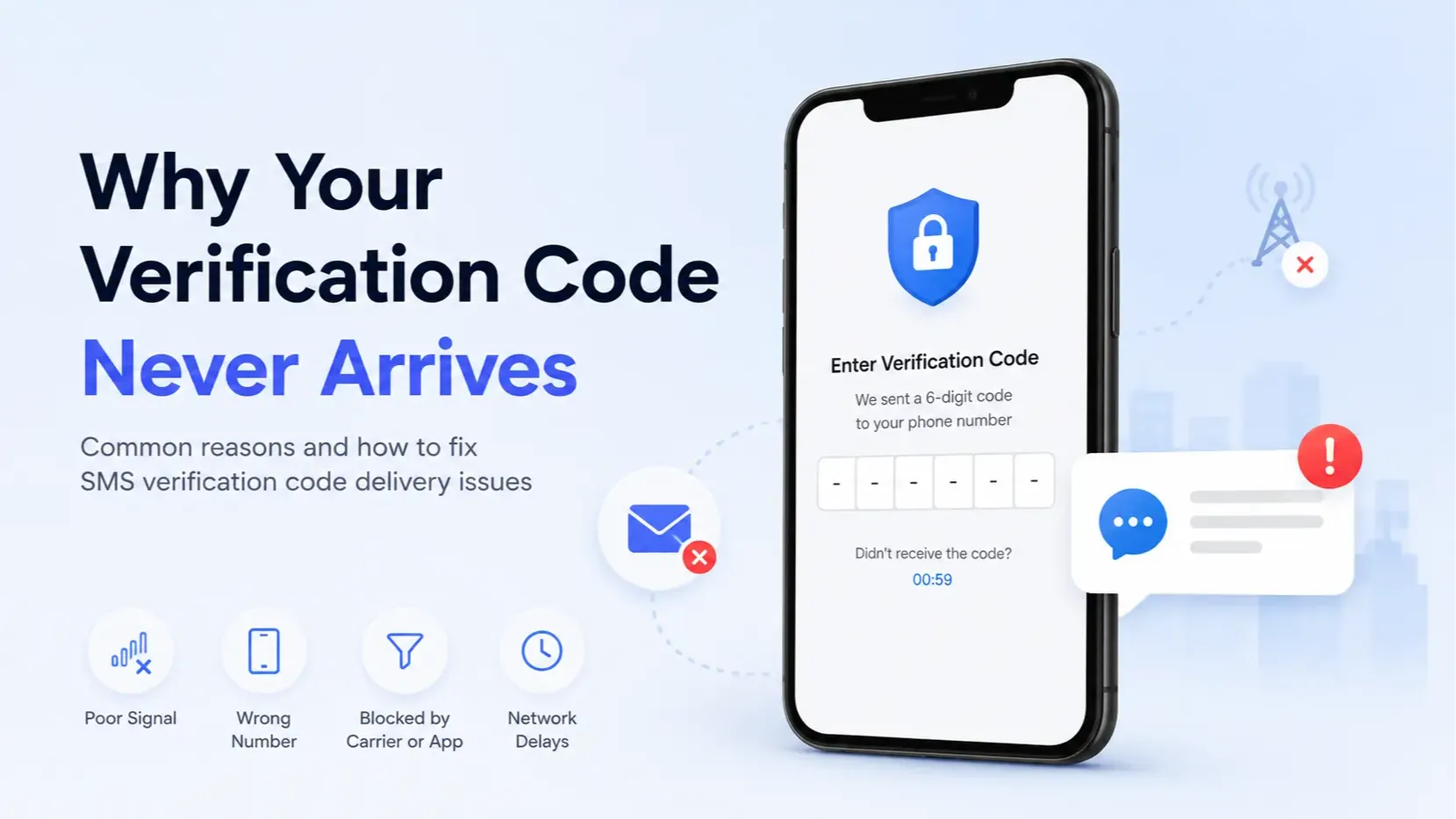
Why Your Verification Code Never Arrives (Temporary Number Checklist)
OTP never arrives on a temporary number? Diagnose silent blocks, burned public inboxes, cooldowns, and wrong inboxes, then take one clear next step.
Santosh Regmi





Comments 0
Most recent
No comments yet. Be the first to share a thought.