
Why Your Verification Code Never Arrives (and How to Fix It)
Not receiving a verification code? Find the cause fast: silent VoIP blocks, cooldowns, wrong country format, spam filters, or carrier short-code blocks, with a fix for each.
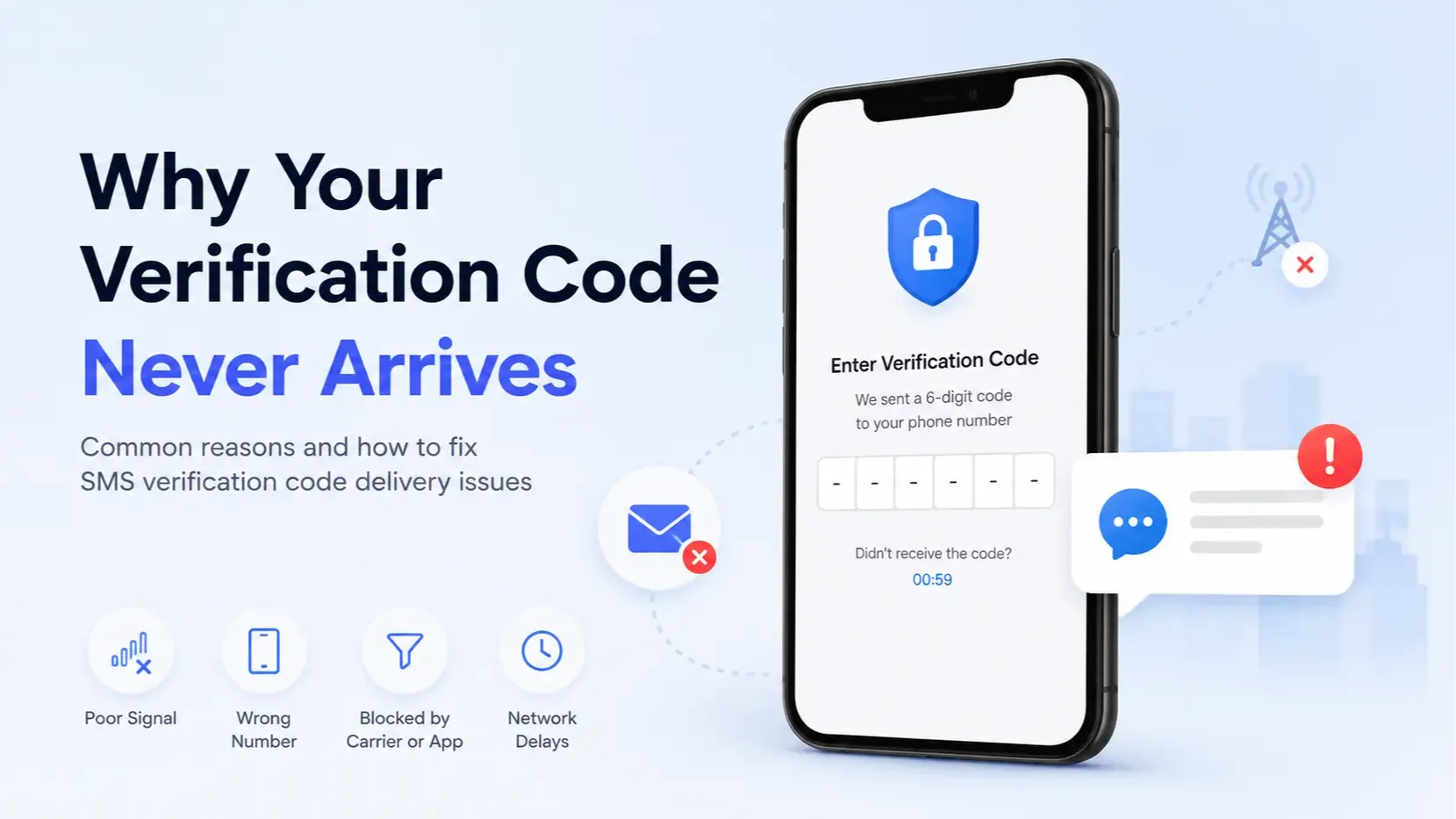
A verification code usually never arrives for one of five reasons: the app silently refused to send to your number, you are stuck in a resend cooldown, the number was entered in the wrong format or country, a spam or carrier filter blocked the sender, or the code went to a different inbox than the one you are watching. Waiting rarely fixes a blocked number, but an ordered check fixes most of the rest.
This guide covers two situations: receiving codes on a temporary or public number, and receiving codes on your own phone. Start with the checklist, then use the symptom table. New to this? Read how to receive SMS online first.
What should you check first?
Work in order and stop when the code appears.
Wait 60 to 90 seconds once. Most codes arrive within a minute or two. Do not tap resend during this window.
Check the number format. Use the full international number: country code plus national number, without the leading zero (for example +44 7700 900123, not 07700 900123). Match the app country selector.
Look in the right place. On a public number, open the exact inbox for the number you pasted and let it refresh. On your own phone, check spam, filtered, and blocked folders, and the other SIM if you have two.
Resend once, after the timer ends. Use only the newest code.
Try another delivery method. On your own phone, pick "call me", email, or an authenticator app if the service offers one. On a public number, choose SMS only: public inboxes show text messages and cannot take voice calls.
Switch numbers once. On a public number, try a fresher number, ideally from another country the app supports. On your own phone, restart and toggle airplane mode.
Stop and change approach. If two different numbers fail on the same app, that app is almost certainly blocking that kind of number.
Symptom, likely cause, and fix
What you see | Likely cause | Fix |
|---|---|---|
App says "code sent" but nothing ever arrives | Silent block of a VoIP, virtual, or shared number | Try one fresher number, then switch to a private or personal number |
"Invalid number" or "number not supported" | Wrong format, country mismatch, or banned range | Fix the country code and leading zero, or try another country |
"Too many attempts" or resend greyed out | Rate limit or cooldown | Wait out the timer, then request one code |
Code arrives but is rejected | Expired, or replaced by a newer code | Request once and enter the latest code immediately |
Public inbox shows codes you did not request | Another visitor is using the same number | Match sender and time to your request, or use a different number |
Works on most apps, fails on Discord, WhatsApp, Google, or banks | Strict policy against shared numbers | Stop retrying public numbers for that app |
Your phone gets normal texts but not codes | Carrier short-code or premium SMS block, or spam filter | Check filters, ask your carrier, or choose voice call |
Your phone gets no texts at all | No signal, SIM problem, or full message storage | Restart, check signal, delete old threads |
Why codes fail on temporary and public numbers
Did the app actually send the SMS?
Often it did not. Many services check the line type first. If the number looks like VoIP or a known shared range, the request is dropped while the screen still says the code was sent. Discord rejects VoIP numbers outright; see why Discord rejects public temporary numbers.
Has that service already used this number too many times?
Probably, if the inbox is full of its codes. Before pasting a public number, scan its inbox for the same app. Many recent codes from that sender mean the number is likely tied to other accounts, so the service may refuse it. Pick a number without that history.
Does the number's country match what the app expects?
It needs to. Some services only send to certain countries or flag numbers that do not match your region. Choose a country the service supports from the country list.
Can short-code senders reach virtual numbers?
Not reliably. Many services send codes from 5 or 6 digit short codes, which are often not routed to virtual or international numbers.
Did someone else request a code at the same time?
On a shared inbox, it happens. Another visitor may request a code from the same service minutes apart. Match the timestamp to your request, and assume strangers can see it. See are public SMS inboxes safe.
Is the message just delayed?
Sometimes. International routes can add delay. If a late code has already expired, request one new code instead of entering the old one.
Why codes fail on your own phone
Can your phone receive SMS right now?
Check basics first. Weak signal, airplane mode, an inactive SIM, roaming limits, or full storage can stop texts. Restart and ask someone to text you.
Is a filter hiding the message?
Often yes. iPhone can sort texts into Unknown Senders, Android messaging apps have spam folders, and blocker apps catch automated senders. Check these and your blocked list.
Is your carrier blocking short codes?
Some plans do. Certain prepaid plans, family controls, and premium SMS blocks stop short-code messages while normal texts arrive. Ask your carrier to allow short codes, or choose the voice call option.
Is the right number on the account?
Check for an old number or a typo. If the account still lists a previous number, codes go there. Update it through email recovery or support.
Could dual SIM, iMessage, or RCS be involved?
Occasionally. On dual SIM phones, check both lines and confirm the registered SIM is enabled for messages. If you recently switched from iPhone to Android, deregister iMessage so texts are not held for your old device.
How long should you wait before resending?
Wait at least 60 to 90 seconds, and always respect the on-screen timer. Each extra request can extend the cooldown or invalidate the previous code. After three failed attempts, stop for an hour or more, since some services lock verification for hours.
When should you stop trying public numbers?
Stop after two different public numbers fail on the same app, or right away if the account matters. Public numbers suit low-stakes signups and testing, not accounts you need to recover later. The tradeoffs are laid out in free vs paid receive SMS numbers, when to skip free public temporary numbers, and whether a temp number breaks terms of service.
If you need a number that is not shared, Instant SMS provisions private numbers manually on request. There is no self-serve checkout, and nothing is charged until terms are agreed. See pricing. Even a private number is not meant for banking, crypto, government, healthcare, or account recovery. No number can guarantee that a given service will send to it.
What are the alternatives to SMS codes?
Most services offer at least one:
Voice call (own phone only): often bypasses short-code blocks. Public numbers receive text messages only, so a voice code will not reach them.
Email verification: useful when SMS is failing on your own phone.
Authenticator app: codes generated on your device, no SMS needed.
Backup codes: save them when enabling two-factor login.
Next step
When a verification code never arrives: fix format and filters, wait out the cooldown, resend once, switch numbers once. If it still fails, the service is most likely blocking that number type. For low-stakes signups, pick a fresh number on Instant SMS numbers and watch that inbox only.
Frequently Asked Questions
Why does the app say my code was sent but nothing arrives?
Usually the app blocked the number before sending. Many services silently drop SMS to VoIP, virtual, or shared numbers while still showing a code sent message. Try one fresher number, then switch to a personal or private number.
How long should I wait before resending a verification code?
Wait at least 60 to 90 seconds and follow any on-screen timer. Rapid resends can trigger longer cooldowns or invalidate earlier codes. After three failed attempts, pause for an hour or more.
Why am I not receiving verification codes on my own phone?
The most common causes are spam or unknown sender filters, carrier blocks on short codes or premium SMS, weak signal, or an old number still saved on the account. Check filtered folders, ask your carrier about short codes, or use the voice call option.
Do Discord, WhatsApp, and Google accept temporary numbers?
Often not. Discord, WhatsApp, Google, and banks commonly reject public or VoIP-like numbers, or never send the code. If two public numbers fail on the same app, stop retrying and use a number that is not shared.
Why was my code rejected as invalid or expired?
Codes expire quickly, and each resend usually replaces the previous code. Request one code, wait for it, and enter the newest one right away. On a public inbox, make sure the timestamp matches your request.
What can I use instead of an SMS verification code?
Most services offer email verification, an authenticator app, or backup codes. On your own phone, a voice call often works when short-code texts are blocked. Public numbers receive text messages only, so voice codes will not reach them.
More guides
-
 Verification Tips 8 min read
ChatGPT / OpenAI Phone Verification: When You Need a Number (and When a Temp Number Fails)
Phone verification is not generally required for normal ChatGPT use. It is required for your first API key, and may appear for Codex. Here is what OpenAI accepts, why public temp numbers often fail, and what to do instead.
Santosh Regmi
-
Privacy & Safety 7 min read
Are Public SMS Inboxes Safe? Risks, Safe Uses, and How to Protect Yourself
Public SMS inboxes are safe for low-stakes codes and unsafe for anything you want to keep. Who can see your messages, what a stranger can do with them, and a checklist for using them safely.
Santosh Regmi
-
Receive SMS 6 min read
Free vs Paid Receive-SMS Numbers: Which One Do You Need?
Free public numbers are fine for one-off, low-stakes codes. Pay for a private number when you need the same number again or the code must stay private. For banking and recovery, use your own SIM.
Santosh Regmi


Comments 0
Most recent
No comments yet. Be the first to share a thought.