ChatGPT / OpenAI Phone Verification: When You Need a Number (and When a Temp Number Fails)
Phone verification is not generally required for normal ChatGPT use. It is required for your first API key, and may appear for Codex. Here is what OpenAI accepts, why public temp numbers often fail, and what to do instead.
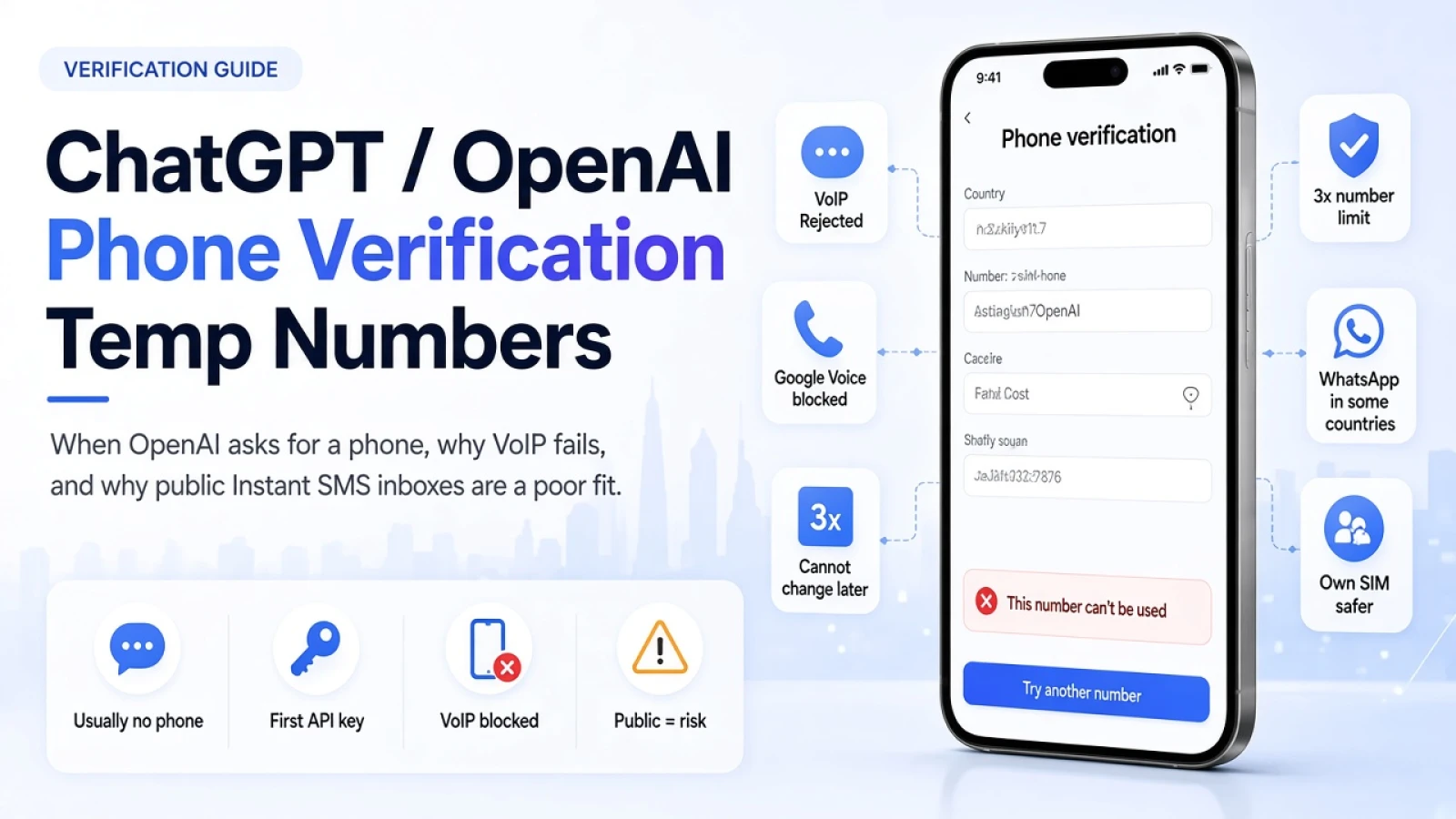
Phone verification is not generally required to create an OpenAI account or use ChatGPT. It is required the first time you generate an API key on platform.openai.com, and it may appear when you open Codex in the ChatGPT desktop app.
OpenAI sends that code by SMS (or WhatsApp in some countries). It rejects landlines, VoIP numbers, Google Voice, and premium numbers. A free public Instant SMS inbox is a shared temporary number, so it often fails that check, and anyone can read the code if one arrives.
Use this page if you are stuck on an OpenAI phone step, or if you are deciding whether a temporary number is safe for ChatGPT or API access. Policy details below match OpenAI Help Center articles as checked on 2026-11-14. Re-check those pages if something looks new.
Key takeaways
Match the product step first: ChatGPT chat, first API key, or Codex.
Prefer a mobile number you control for any OpenAI account you will keep.
Treat public Instant SMS numbers as a poor fit for OpenAI phone verification.
OpenAI does not let you change the phone number later.
If the code never arrives, stop after one careful retry, then switch to your own SIM.
Do you need a phone number for ChatGPT or OpenAI right now?
It depends which OpenAI product step you are on.
What you are doing | Phone verification? |
|---|---|
Creating an account and using ChatGPT | Not generally required |
Generating your first API key on platform.openai.com | Required |
Generating later API keys after the first | Not required again |
Opening Codex in the ChatGPT desktop app | You may be asked |
Source: What does phone verification look like? (OpenAI Help Center).
Does ChatGPT always ask for a phone number?
No. OpenAI says phone verification is not generally required to create an account or use ChatGPT. If your ChatGPT signup has no phone step, you do not need to buy or borrow a temporary number to chat.
When is OpenAI phone verification required for the API?
For the first API key only. On platform.openai.com, phone verification is mandated before you generate your initial API key. Later keys on that account skip that phone gate.
Can Codex ask for phone verification?
Yes. OpenAI may ask you to verify a phone number when accessing Codex in the ChatGPT desktop app. Email or an authenticator app does not replace that phone step.
What phone numbers does OpenAI accept?
OpenAI supports mobile numbers that can receive SMS, and WhatsApp delivery in a short country list. Landlines, VoIP, Google Voice, and premium numbers are not supported.
How does the code arrive?
OpenAI sends the one-time code by SMS, or by WhatsApp where that option is available for the country you select. It does not send this phone verification code by email or phone call. The country dropdown defaults to the United States, so set the country before you paste digits.
WhatsApp verification is listed by OpenAI for: United Arab Emirates, Egypt, Indonesia, Israel, India, Malaysia, Nigeria, Pakistan, Saudi Arabia, Turkey, Ukraine, and Vietnam. If the screen says the code will go to WhatsApp, watch WhatsApp, not an SMS inbox.
Why does OpenAI reject VoIP and Google Voice?
OpenAI says those number types are often linked to fraud or abuse. A temporary or virtual label on a seller page does not prove the line is a supported mobile. Many public receive-SMS numbers look like VoIP or shared burner ranges to automated checks, which is why the screen can say the code was sent while nothing useful arrives.
For a general checklist when any app silently blocks a number, see Why your verification code never arrives. To inspect format and line-type hints for a number you control, use the phone number checker (US and Canada often cannot tell mobile from landline from the digits alone).
Can you use a temporary phone number for ChatGPT or OpenAI?
Often no for free public Instant SMS numbers, and never as a safe long-term plan. OpenAI wants a supported mobile. Public Instant SMS inboxes are shared, temporary, and frequently treated like VoIP or burner lines. Even when a code appears, anyone watching that inbox can see it.
OpenAI also states that it does not offer a way to change or update the phone number on a ChatGPT or API account (How to change the phone number associated with your account). A number you lose tomorrow is a permanent problem if that account matters.
Phone-only ChatGPT signups (rolling out in some regions) make this worse: the number is closer to a login identity, and password reset rules are stricter. See OpenAI's phone-only signups article before you tie a disposable line to that flow.
Job | Public Instant SMS number? | Better option |
|---|---|---|
Low-stakes curiosity, expect failure | One careful try at most | Own mobile if you need success |
First API key on an account you will keep | No | Own mobile SIM |
Codex access you need to keep working | No | Own mobile SIM |
Phone-only ChatGPT signup | Hard no | Own mobile you will keep |
Banking-style recovery or paid OpenAI work | Hard no | Own mobile |
This is the same honesty bar we use for Discord: public pools are for low-stakes receives, not accounts you care about. See Why Discord rejects public temporary numbers and When to skip free public temporary numbers.
Instant SMS does not promise OpenAI acceptance. Seeing a verification code on a public number once does not mean the next OpenAI check will pass.
How many times can one phone number verify OpenAI?
Up to three times for the phone verification tied to first API key generation, with limited reuse after some account deletions.
OpenAI says a phone number can only ever be used for that verification up to three times across accounts. If you permanently delete an eligible consumer ChatGPT account (and it was not disabled for a terms violation), OpenAI removes the number after 30 days, then you may be able to use it again. OpenAI says it does not provide exceptions to that rule.
Source: How many times can I use the same phone number for first API key verification.
Public recycled numbers may already hit "too many signups with this number." That is another reason shared Instant SMS ranges are a weak fit.
What to do if the OpenAI code never arrives
Confirm you are on a step that actually needs a phone, then fix format and channel before you burn more numbers.
Confirm the step: first API key, Codex, or a rare ChatGPT prompt. Normal chat often needs no phone.
Set the country correctly, then enter the full international number.
If the UI offers WhatsApp for your country, check WhatsApp. Public Instant SMS pages only show SMS.
Wait out the on-screen timer once. Do not spam resend.
If OpenAI asks for a different number, try one other supported mobile you control while staying signed in.
If a public Instant SMS number fails once with a clean format, stop. Switch to your own SIM rather than cycling the public pool.
For non-OpenAI causes (cooldown, wrong inbox, carrier filters), use the full OTP troubleshooting guide.
FAQ
Does ChatGPT require phone verification to sign up?
Usually no. OpenAI says phone verification is not generally required to create an account or use ChatGPT. Codex and the first API key are the common exceptions.
Can I use a temporary phone number for OpenAI API verification?
It is risky and often fails. OpenAI rejects VoIP, Google Voice, landlines, and premium numbers. Free public temporary numbers are shared and frequently look like those blocked classes. Use a mobile number you control for an API account you will keep.
Can I change the phone number on my OpenAI account later?
No. OpenAI does not offer a way to change or update the phone number for ChatGPT or the API.
How many OpenAI accounts can share one phone number?
At most three for the first-API-key phone verification flow, per OpenAI Help. Separate phone-only signup rules can also block a number that is still linked to other accounts.
Why does OpenAI say the code was sent but my Instant SMS inbox is empty?
Often the number type was filtered, or the code went to WhatsApp instead of SMS. Confirm the delivery channel, wait once, then assume a public temporary number is the wrong tool for OpenAI.
Next step
If you need OpenAI phone verification to succeed for API or Codex access you will keep, use a real mobile number you control. Do not build that account on a public Instant SMS inbox.
If you only needed a low-stakes place to receive SMS for other apps that accept shared numbers, open a live Instant SMS number and watch that inbox only. For the free vs private tradeoff, see free vs paid receive-SMS numbers.
Frequently Asked Questions
Does ChatGPT require phone verification to sign up?
Usually no. OpenAI says phone verification is not generally required to create an account or use ChatGPT. Codex and the first API key are the common exceptions.
Can I use a temporary phone number for OpenAI API verification?
It is risky and often fails. OpenAI rejects VoIP, Google Voice, landlines, and premium numbers. Free public temporary numbers are shared and frequently look like those blocked classes. Use a mobile number you control for an API account you will keep.
Can I change the phone number on my OpenAI account later?
No. OpenAI does not offer a way to change or update the phone number for ChatGPT or the API.
How many OpenAI accounts can share one phone number?
At most three for the first-API-key phone verification flow, per OpenAI Help. Separate phone-only signup rules can also block a number that is still linked to other accounts.
Why does OpenAI say the code was sent but my Instant SMS inbox is empty?
Often the number type was filtered, or the code went to WhatsApp instead of SMS. Confirm the delivery channel, wait once, then assume a public temporary number is the wrong tool for OpenAI.
More guides
-
 Verification Tips 7 min read
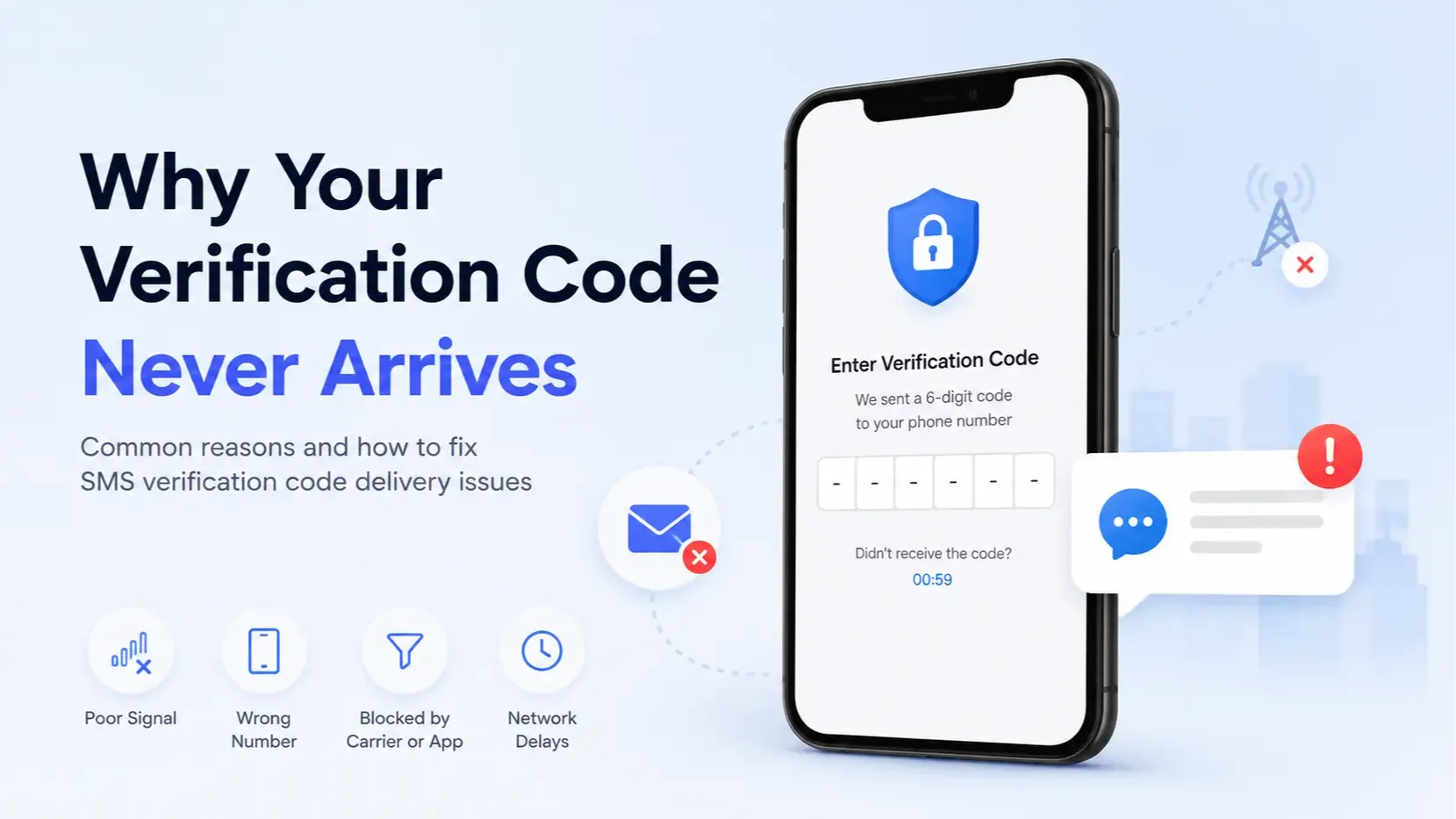
Why Your Verification Code Never Arrives (and How to Fix It)
Not receiving a verification code? Find the cause fast: silent VoIP blocks, cooldowns, wrong country format, spam filters, or carrier short-code blocks, with a fix for each.
Santosh Regmi
-
Privacy & Safety 7 min read
Are Public SMS Inboxes Safe? Risks, Safe Uses, and How to Protect Yourself
Public SMS inboxes are safe for low-stakes codes and unsafe for anything you want to keep. Who can see your messages, what a stranger can do with them, and a checklist for using them safely.
Santosh Regmi
-
Receive SMS 6 min read
Free vs Paid Receive-SMS Numbers: Which One Do You Need?
Free public numbers are fine for one-off, low-stakes codes. Pay for a private number when you need the same number again or the code must stay private. For banking and recovery, use your own SIM.
Santosh Regmi


Comments 0
Most recent
No comments yet. Be the first to share a thought.