
Are Public SMS Inboxes Safe? Risks, Safe Uses, and How to Protect Yourself
Public SMS inboxes are safe for low-stakes codes and unsafe for anything you want to keep. Who can see your messages, what a stranger can do with them, and a checklist for using them safely.
Public SMS inboxes are safe for low-stakes jobs and unsafe for anything you want to keep. Every message on a public number is visible to anyone who opens that inbox, so a stranger can read and use your code. That is fine for a throwaway signup or a developer test, and a real risk for email, banking, messaging apps, or any account tied to your identity.
Using a public inbox does not expose your own phone. The risk is to the account you create with it, not to your device.
This guide explains who can see your messages, what someone can actually do with them, and how to use a public number without getting burned. Instant SMS runs public shared numbers, so these are the limits of our own product.
Who can see messages on a public number?
Anyone who opens the same inbox. There is no login and no owner. That includes:
Other visitors using the same number at the same time
People checking the inbox hours or days later
Automated bots that watch public SMS sites for codes
Messages stay visible in the inbox history for a while, so a code you received this morning may still be readable this afternoon.
Are Instant SMS public inboxes private?
No. Public visibility is how free, no-signup receiving works. If you need an inbox only you can see, use your own SIM or a private number.
What can a stranger do with your code?
Message in the inbox | What someone else can do |
|---|---|
Signup verification code | Enter it first and finish the signup on their device. |
Login code | Get into the account if they also know or guess the password. |
Password reset code | Take over the account completely and lock you out. |
Magic login link | Open the link and log in directly, no code needed. |
Order, booking, or delivery text | Read your name, address, or order details if the message includes them. |
The main risks
What is an OTP race?
Someone else submits the code before you do. If they are watching the same public inbox, they can use the code while you are still copying it. Signup codes are the most common target.
Can someone reset my password later?
Yes, if the app sends reset codes by SMS. The reset code goes to the same public number, weeks or months after you signed up. Full explainer: can someone reset your password if you signed up with a temporary number?
False privacy
You hide your real number from the website, but your code and sometimes your details appear on the public web instead. Privacy from the app is not the same as privacy from everyone.
Blocks and failed codes
Popular apps learn which numbers are shared and block them. Codes may never arrive, or the account may be flagged later. Why this happens: why your verification code never arrives.
Safe vs unsafe uses
Use | Verdict |
|---|---|
Testing SMS delivery as a developer | Safe |
One-time trial, coupon, or download form | Safe |
Throwaway signup you can abandon | Safe if no personal data goes on it |
Keeping marketing texts off your real number | Safe for low-value accounts |
Social or dating profile you plan to keep | Risky |
WhatsApp, Telegram, Signal | Unsafe |
Email recovery or password reset | Unsafe |
Banking, crypto, government, identity checks | Unsafe |
For a quick decision before you sign up, use the 3-question test in when to skip free public temporary numbers.
How to use a public inbox safely
Only use it for accounts you would not miss. If losing it would hurt, stop here.
Request the code only when you are ready. Keep the inbox open, and enter the code as soon as it appears.
Do not add personal details. No real name, address, payment card, or photos on an account created with a public number.
Use a unique password. Never reuse a password from another account.
Replace the number if you decide to keep the account. Switch to a number you own and turn on an authenticator app where available.
Follow the app's rules. Some apps ban temporary numbers. See is using a temp number against an app's terms of service?
Public inbox vs private number
A private number fixes visibility and lets you keep the number, but it is not for high-stakes accounts either. Banking, crypto, government, and account recovery belong on your own SIM. Full comparison: free vs paid receive-SMS numbers. Whether any of this is legal: is it legal to use a temporary phone number?
Next step
Low-stakes job: open free public numbers and follow the checklist above. Need an inbox only you can see: private numbers. Valuable account: use your own SIM. Step-by-step receiving: how to receive SMS online.
Frequently Asked Questions
Are public SMS inboxes safe?
Safe for low-stakes jobs like developer tests and throwaway signups. Unsafe for email, banking, messaging apps, or any account you want to keep, because anyone can read the codes.
Can using a public SMS inbox hack my phone?
No. Viewing a public inbox does not give anyone access to your phone. The risk is to the account you create with the public number.
Who can see messages on a public number?
Anyone who opens the same inbox, including other visitors, people checking later, and bots that watch public SMS sites.
What is an OTP race on a public inbox?
An OTP race is when someone watching the same public inbox enters the verification code before you do and takes the account.
Can I use a public number for password resets?
No. A stranger can read the reset code from the public page and take over the account.
How do I use a public SMS inbox safely?
Use it only for accounts you would not miss, enter the code right away, add no personal details, use a unique password, and switch to your own number if you decide to keep the account.
More guides
-
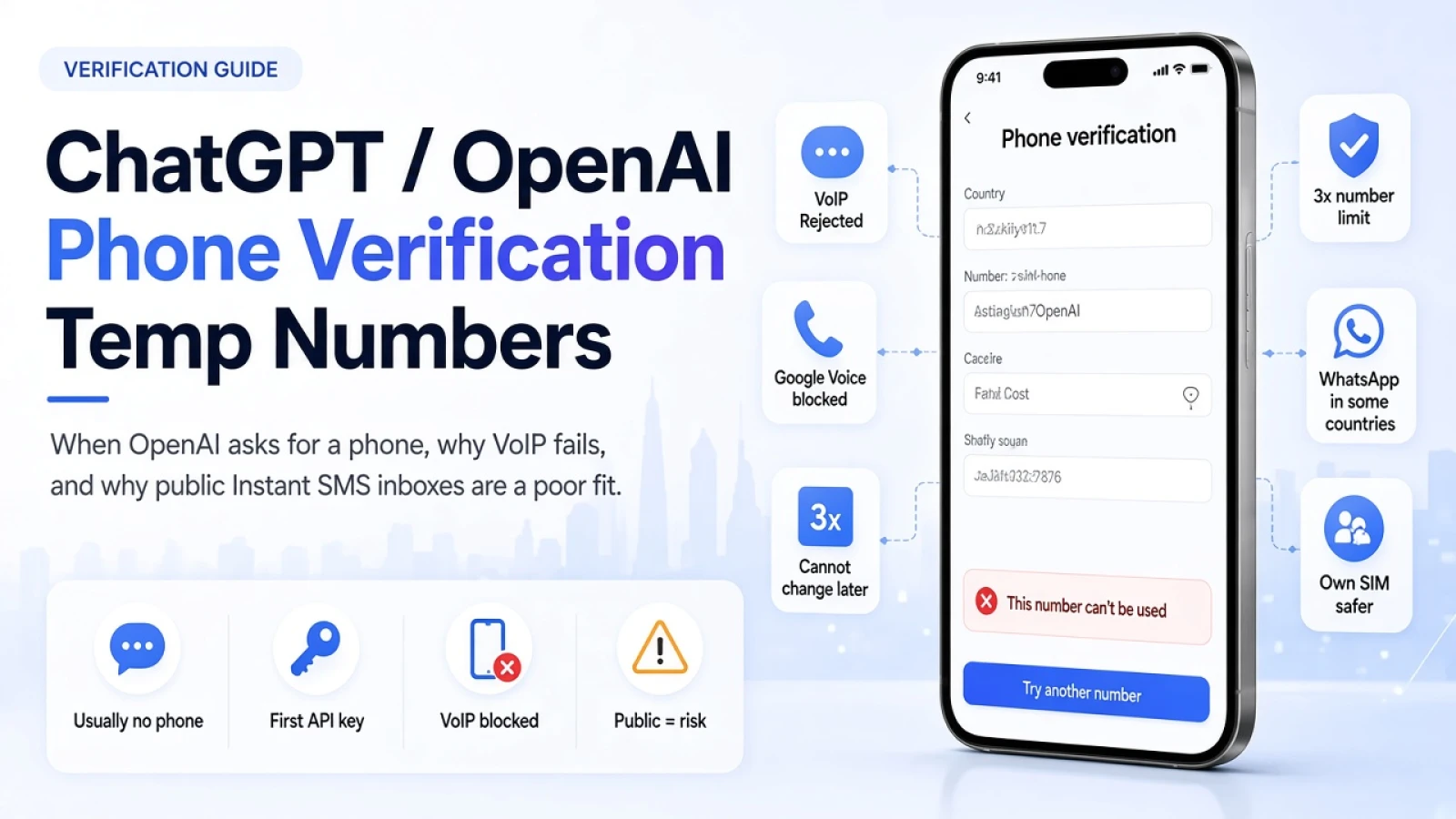 Verification Tips 8 min read
ChatGPT / OpenAI Phone Verification: When You Need a Number (and When a Temp Number Fails)
Phone verification is not generally required for normal ChatGPT use. It is required for your first API key, and may appear for Codex. Here is what OpenAI accepts, why public temp numbers often fail, and what to do instead.
Santosh Regmi
-
Receive SMS 6 min read
Free vs Paid Receive-SMS Numbers: Which One Do You Need?
Free public numbers are fine for one-off, low-stakes codes. Pay for a private number when you need the same number again or the code must stay private. For banking and recovery, use your own SIM.
Santosh Regmi
-
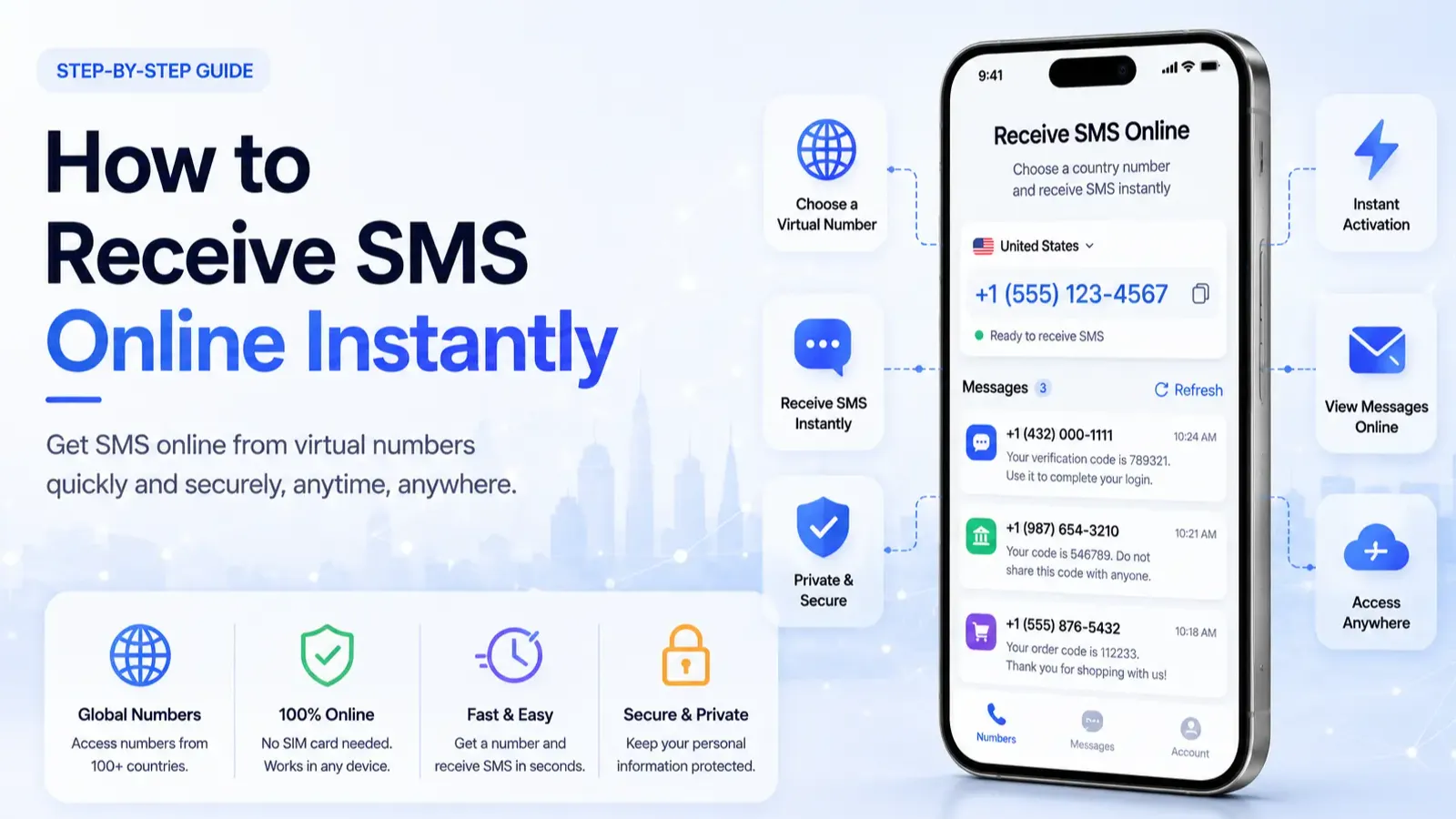 Receive SMS 6 min read
How to Receive SMS Online Without Your Own Phone Number
Step-by-step guide to receiving SMS online with a free public number: choose a number that works, fix missing codes, and know when to use a private number.
Santosh Regmi


Comments 0
Most recent
No comments yet. Be the first to share a thought.